Open your doors with bookings already running.
Set up your space, your week and your plans before day one. Members book from their phones, and it is free up to 10 active members.
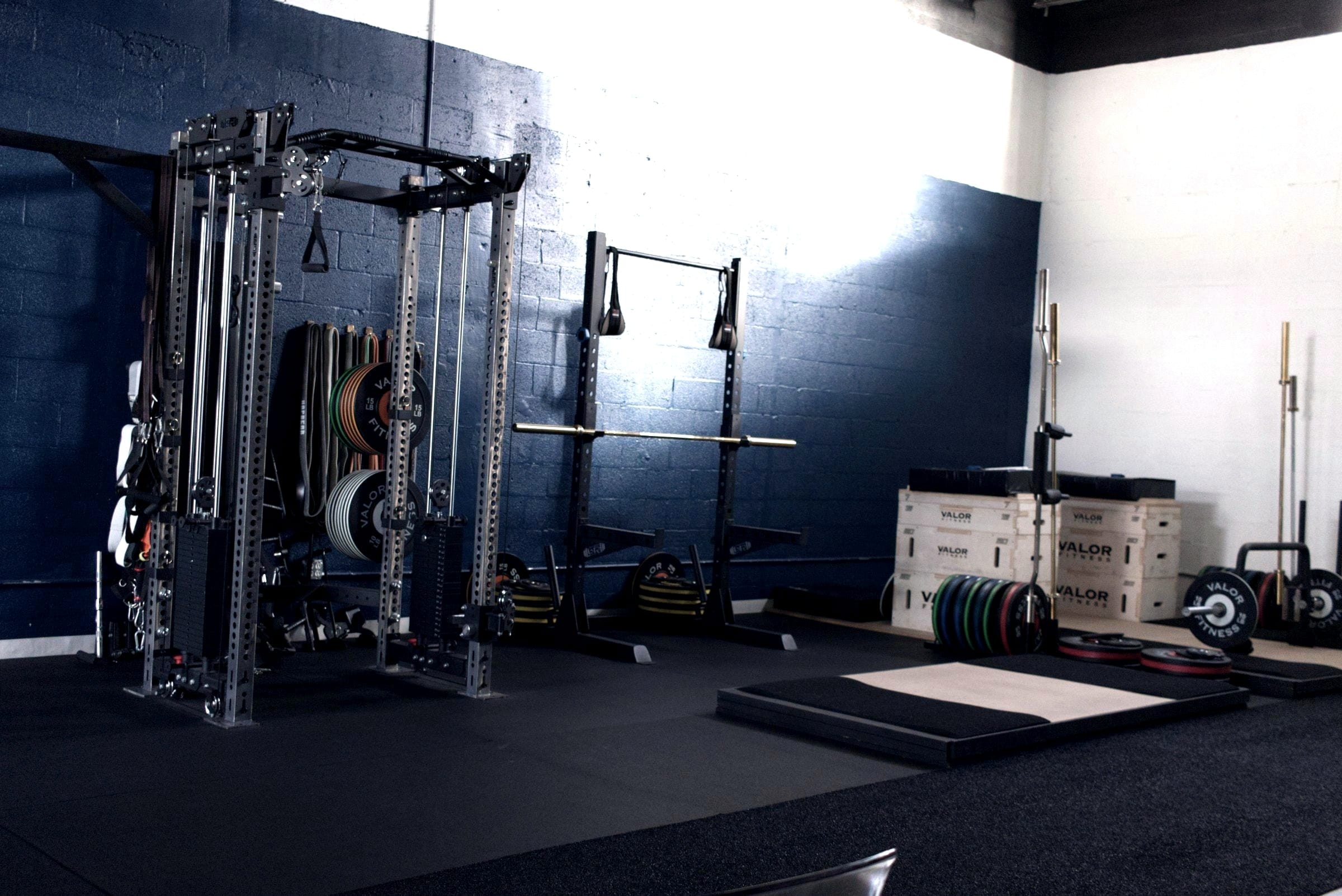
What you set up in your first week. About 31 minutes.
These are the 9 steps the app shows on your dashboard, in the same order. The times were measured on an empty space.
On an empty space, one button creates the usual classes for your discipline, a timetable and three sample plans. You can edit or delete all of it.
Fine-tuning the whole week, with every time slot and coach, takes an afternoon.
Your space’s details
3 minName, disciplines and address. The address is what lets your timetable generate classes.
Class types
2 minThe classes you run, each with its duration and capacity.
Your standard week
5 minRecurring classes, starting on the date you choose. You set up the week once, and it generates the next ones.
Plans
3 minUnlimited, classes per week or a class pack. A plan is what lets each person book.
Your payout account
10 minBefore your members, so they can pay in the app from day one. The payment processor asks for your address, bank details and an ID document.
Your first members, with a plan
3 minOne at a time, or from an Excel sheet or a CSV, each with their plan. That is what opens bookings.
How people join
2 minBy invitation, by link or code, or with open sign-up. You can change it later in settings.
The first booking
2 minDone when someone books a class. You can make the first one yourself, to see what members see.
The app on your phone
1 minInstalled on the home screen, with no app store involved. Done when someone from your space opens it.
4 more steps are optional: billing details, a drop-in price, your team and your seller details.
What it costs while you grow. Free up to 10 active members.
Lite is free up to 10 active members, with no card and no time limit. To collect memberships online, you need Pro.
Lite
€0no time limit
Up to 10 active members. Classes, bookings, the waitlist and the members’ app. Payments are recorded by hand.
Pro
from€29a month + VAT
Memberships, class packs, online payments and the AI agent. Try it for 14 days with no card, from a button in Settings. The price scales with active members. While founding places last, it costs from €19 for the first 6 months.
Max
Custom
Everything in Pro, with unlimited members.
Leads, archived members and staff do not count as active members. Your tier never changes on its own, and there is no minimum term or setup fee.
Bookings and payments from day one. On your members’ phones.
Members open your space’s address and add the app to their home screen. There is nothing to download from an app store.
Booking and the waitlist
Seven days across the top, the day’s classes below. Full classes have a waitlist, and whoever moves up gets a notification.
Paying online
By card or SEPA Direct Debit. The money goes straight into your own account. On paid plans.
Memberships that renew
A renewing plan issues the charge on the day the period ends. No card is charged without the member confirming. On paid plans.
A public page for your space
Your live timetable, prices, address and a trial class request. Switch it on whenever you like, even before you open.
Your opening day
An open day or a workshop gets its own page, a capacity and sign-up. Attendees do not count towards your tier.
What exists today, and what does not yet.
Everything above works today. These things do not, yet.
Invoices to your members(coming soon)
Each payment is recorded in Rummo, but Rummo does not issue invoices. You invoice from your own accounting software.
Segmented campaigns(coming soon)
Announcements and emails to everyone already work. Picking a group and writing only to them does not, yet.
Turnstiles and card readers(planned)
Entry outside classes works with the door QR code. Connecting to a lock or a turnstile comes later.
An app in the app stores
It is a web app that installs to the home screen. It is not in the App Store or on Google Play.
The app in English
The app itself is in Portuguese for now. This website is in English, Spanish and Portuguese.
Questions before opening
Can I set everything up before I open?
What does it cost while I only have a few members?
How do I get paid?
Can I sell class packs and drop-ins?
Can I find my first members before I open?
What if I do not know which plans to sell yet?
What if I get lost setting it up?
Is the app available in English?
Set up your space before you open the doors.
Lite is free up to 10 active members, with no card and no time limit. Pro comes with a 14-day trial, also with no card.